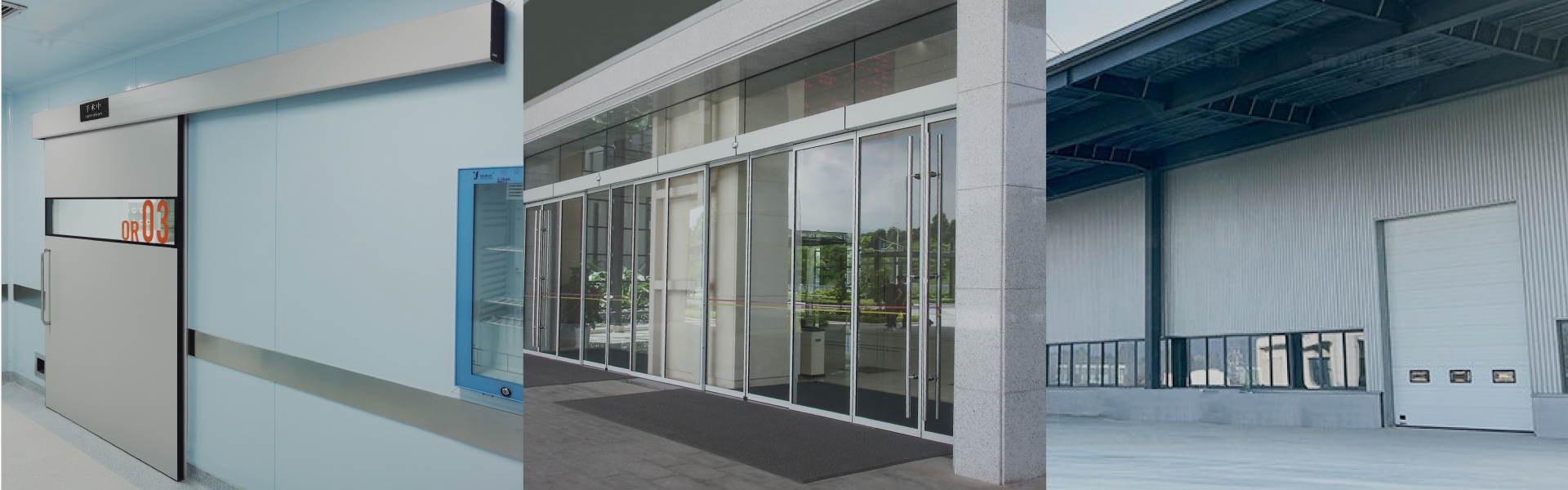
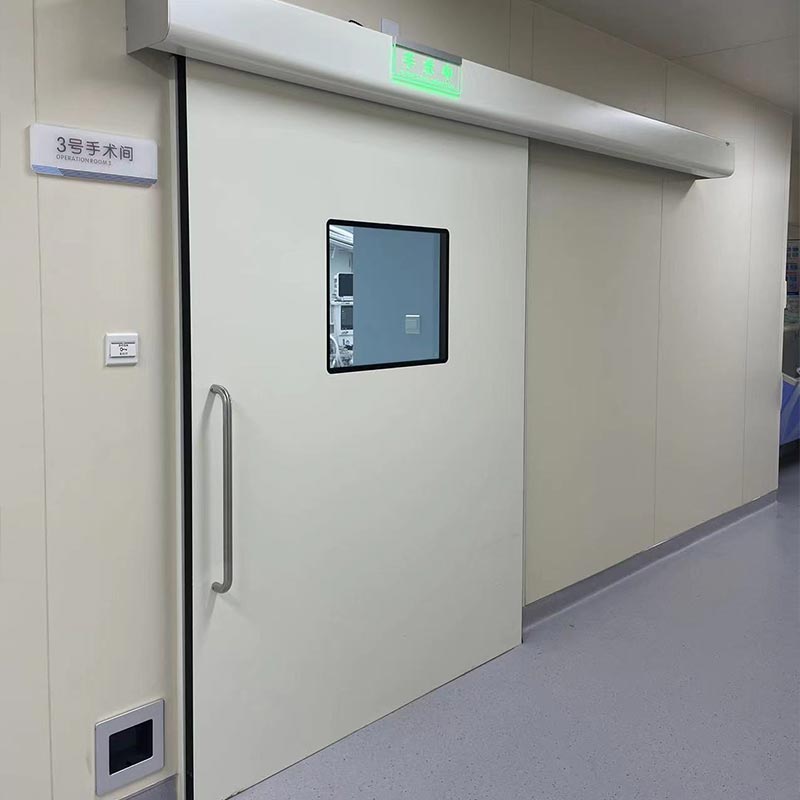
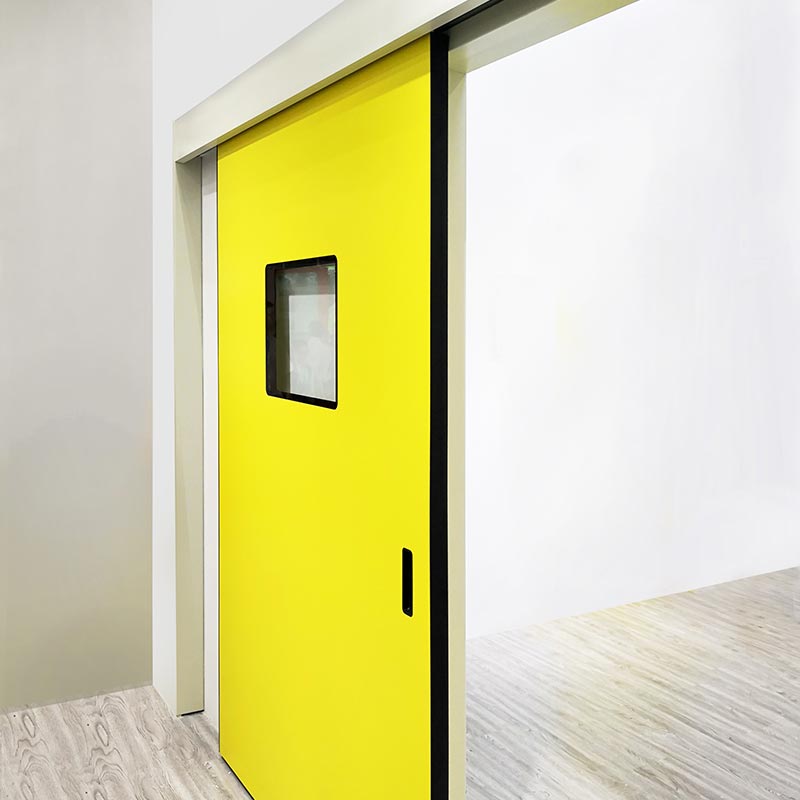
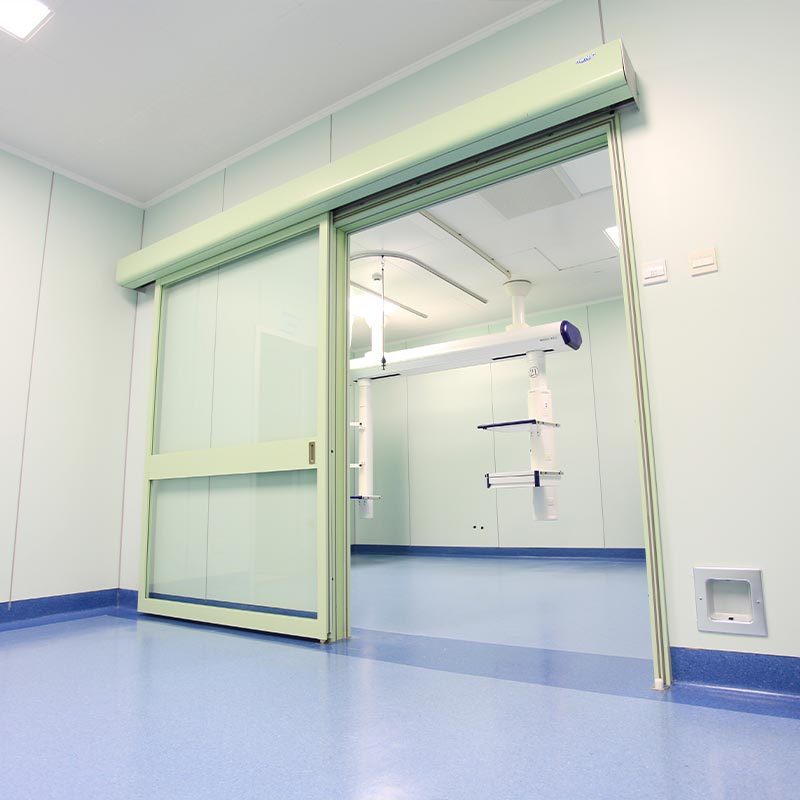
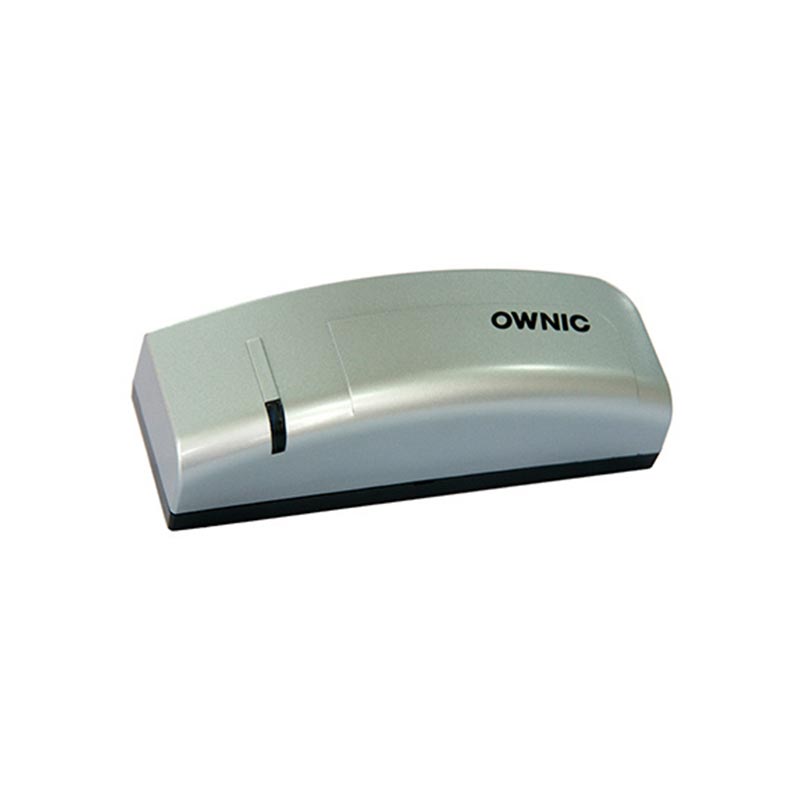
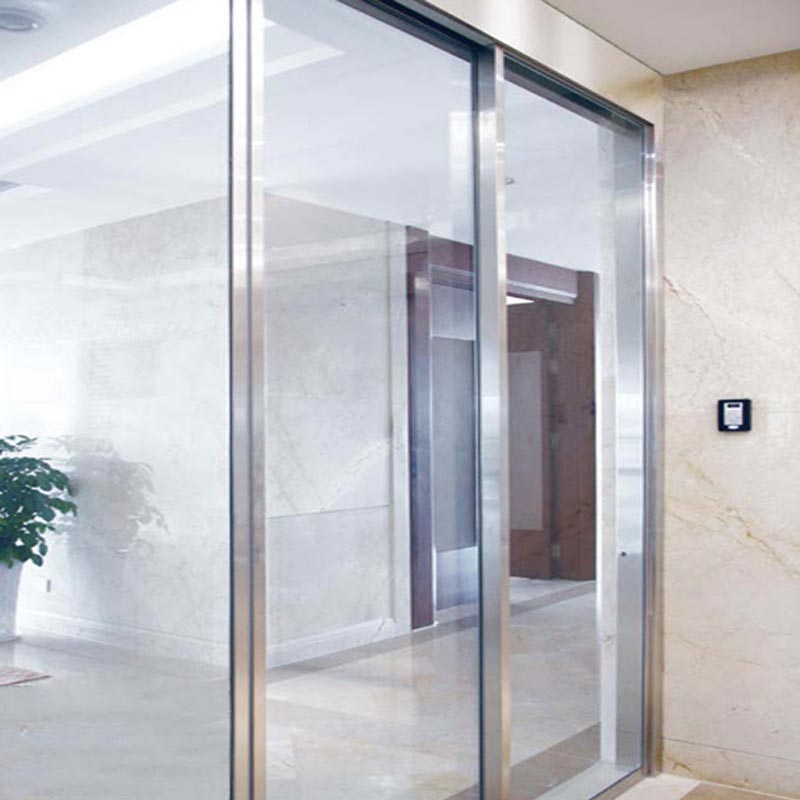
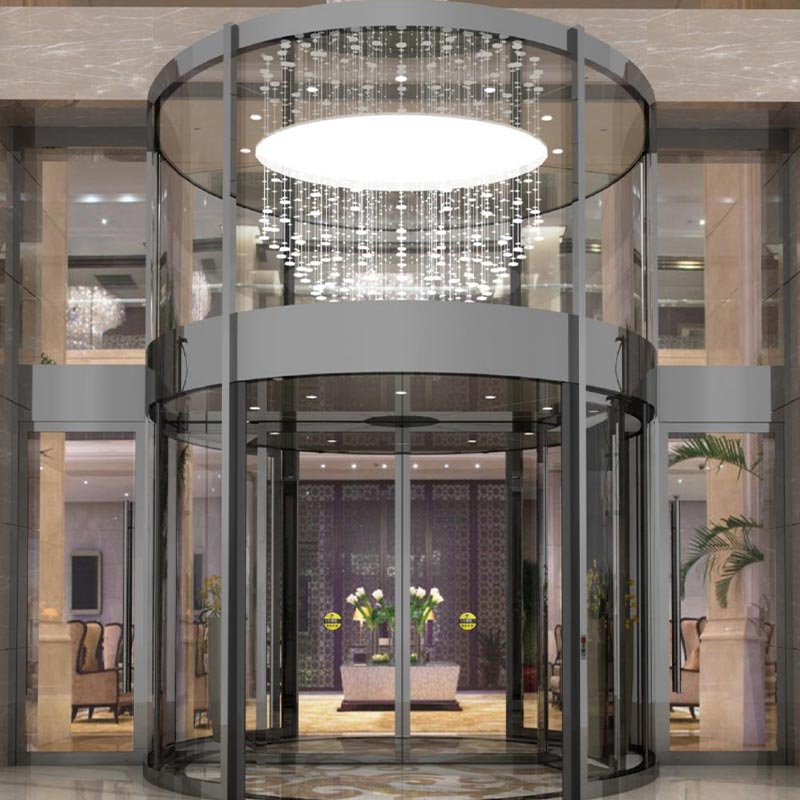
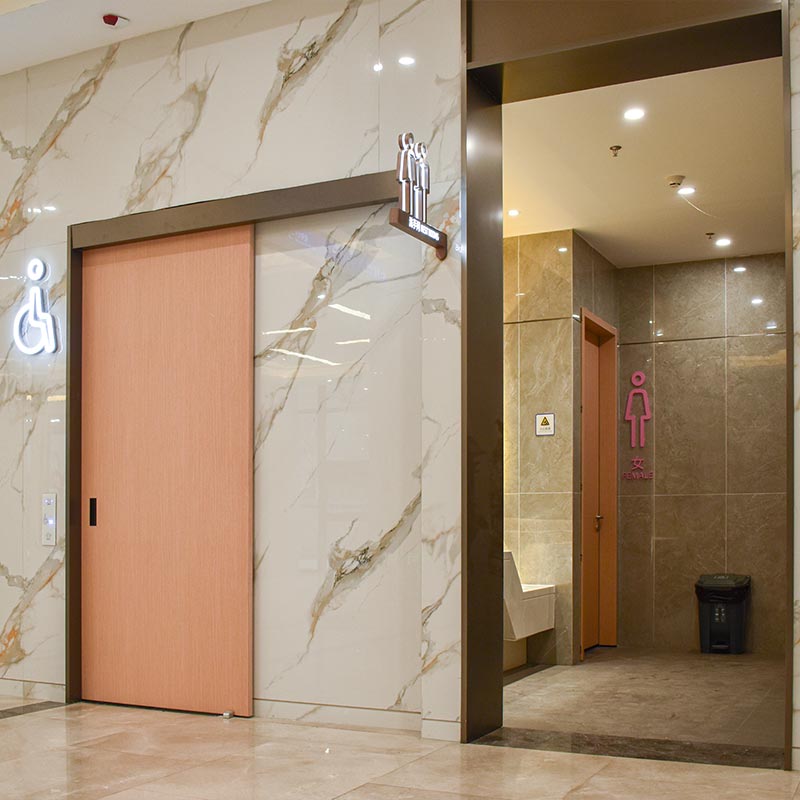
Are you experiencing issues with your door system accessories but struggling to find a suitable supplier? Have you already completed a project with OWNIC but encountered post-completion issues requiring replacement parts? Contact us immediately—we will provide you with a comprehensive range of door accessory options!
Why Are Automatic Door Accessories Important?
Automatic door accessories are not merely optional; they directly determine a door's safety, efficiency, service life, and user experience. Furthermore, they are strongly linked to regulatory compliance. We will recommend a specific accessory configuration tailored to your project, as their importance is evident from multiple perspectives:
1. Safety Assurance
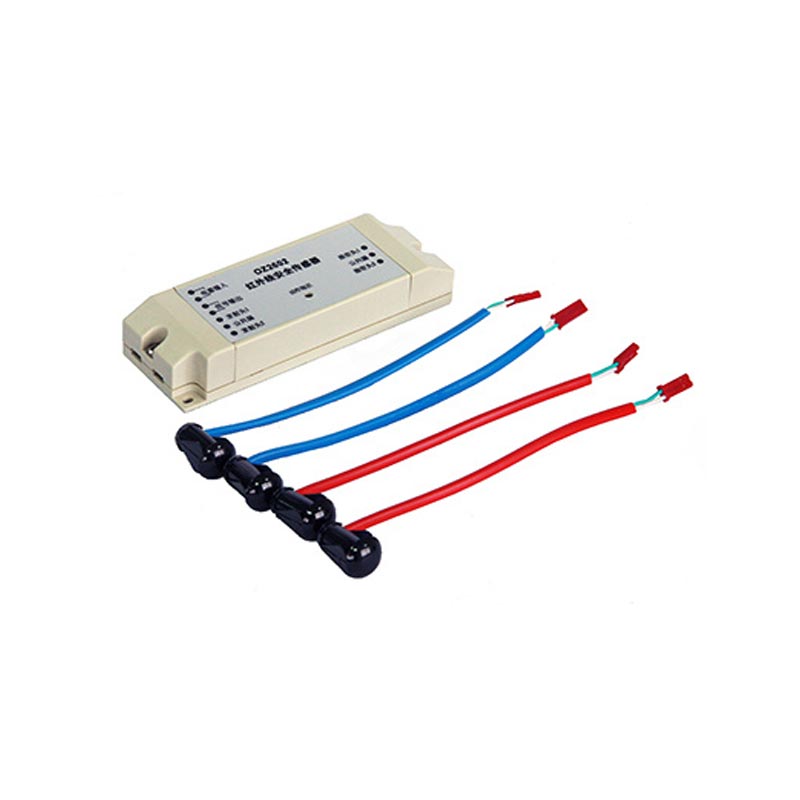
Anti-Pinch, Anti-Collision, and Anti-Misoperation: Safety sensors monitor the doorway in real-time for obstacles or people, preventing pinching injuries or collisions.
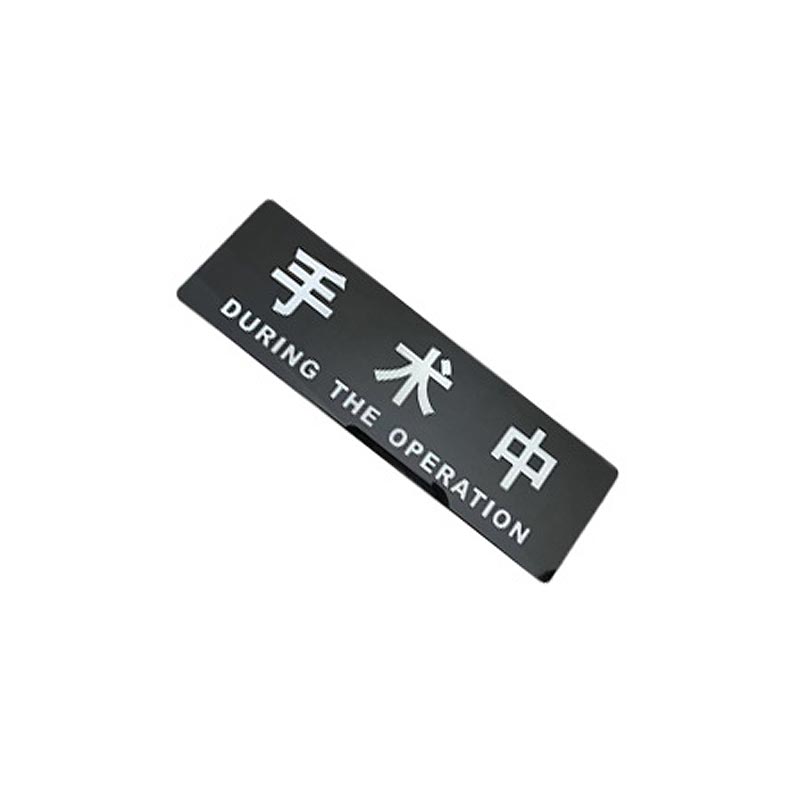
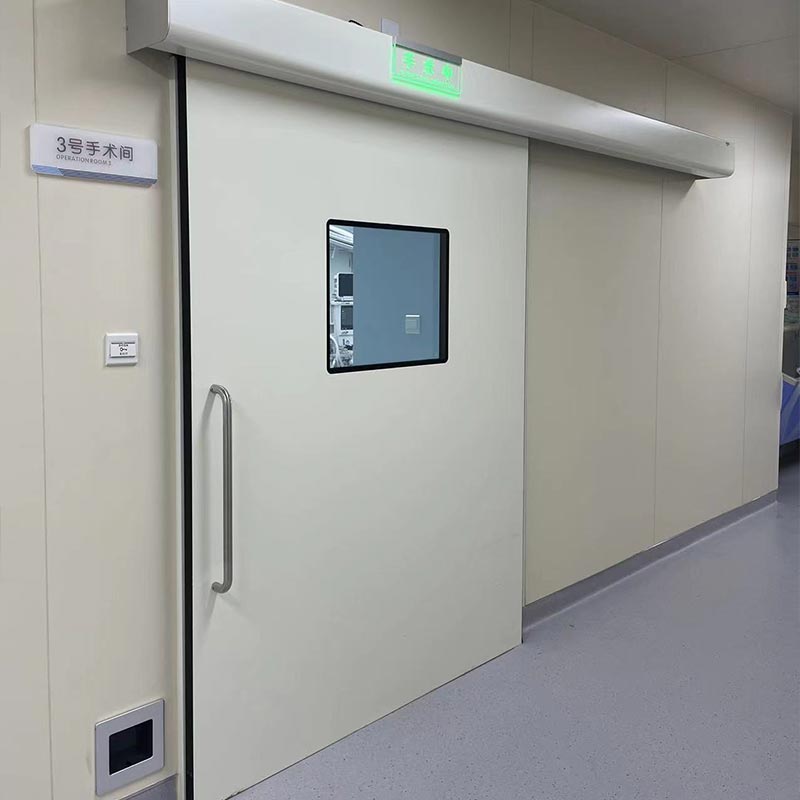
Emergency Status Alerts: LED indicators alert personnel to the door's operational status or specific conditions—a critical feature for hospital operating rooms and examination rooms.
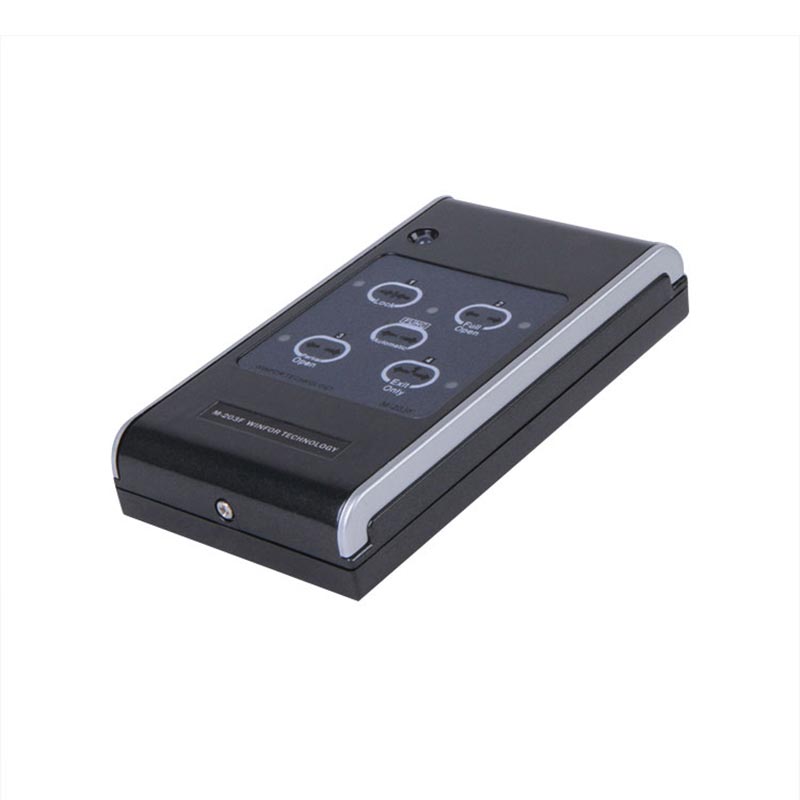
Function Selectors: These devices allow for locking the door or setting "always-open" / "always-closed" modes, ensuring safety under special circumstances.
2. Enhanced Traffic Efficiency
Motion Sensors / Non-Contact Sensors: Automatically detect pedestrian flow and rapidly trigger the door to open, eliminating wait times and preventing congestion.
Function Selectors: Offer the flexibility to configure various modes (Automatic, Always Open, Always Closed, or Unidirectional Sensing—Inward/Outward Only) to adapt to varying traffic densities and specific scenarios.
3. Extended Service Life
Prevention of Impacts and Forced Operation: Safety sensors and non-contact sensors minimize wear and tear on the door body and mechanical components.
Optimized Opening/Closing Frequency and Modes: Function selectors allow for the optimization of the door's operational logic, preventing unnecessary and excessive opening and closing cycles.
4. Improved User Experience and Hygiene
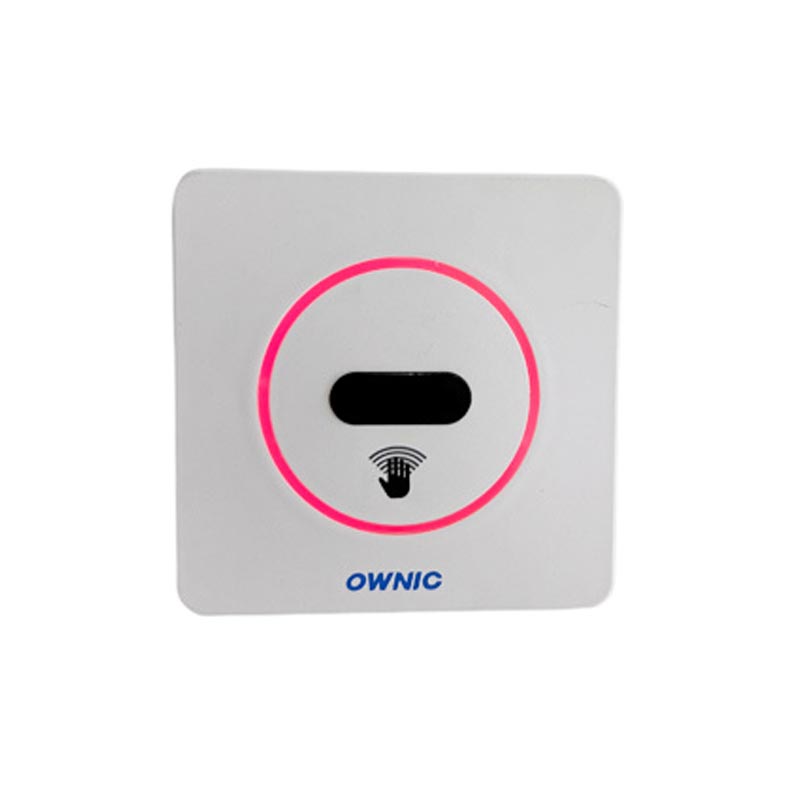
Non-Contact Operation: Reduces the risk of cross-contamination in environments such as hospitals, laboratories, and food processing facilities.
LED Status Indicators: Clearly display the door's current status, providing users with intuitive visual feedback on its operation.
5. Compliance with Regulations and Standards
Facilities such as hospitals, cleanrooms, industrial plants, and shopping malls are subject to specific safety and functional regulations regarding automatic doors.
Compliant accessories ensure that the automatic door system passes inspections and meets all applicable industry standards.
Configuration Recommendations
|
Door Type
|
Recommended Accessories
|
Accessory Function Description
|
|
Medical Doors (Hospitals, Operating Rooms, Cleanrooms)
|
Safety Sensors
|
Anti-pinch and anti-collision features protect medical staff and patients.
|
|
Non-contact Sensors
|
No-touch door operation during surgery or in cleanroom environments minimizes the risk of cross-contamination.
|
|
Function Selector
|
Switch between Automatic, Normally Open, and Normally Closed modes.
|
|
Operating LED Light
|
Indicates In-Surgery or Door Status
|
|
Access Control System Interface (Optional)
|
Restricted Access
|
|
Commercial Doors (Office Buildings, Shopping Malls, Hotels)
|
Safety Sensors
|
Anti-pinch and anti-collision features ensure visitor safety
|
|
Motion Sensors / Non-contact Sensors
|
Automatic sensor-activated opening enhances traffic efficiency
|
|
Function Selector
|
Configurable modes: Always Open, Automatic, and Locked
|
|
Access Control System (Optional)
|
Controls access to employee or VIP areas
|
|
LED Status Indicator (Optional)
|
Displays door operational status and emergency alerts
|
|
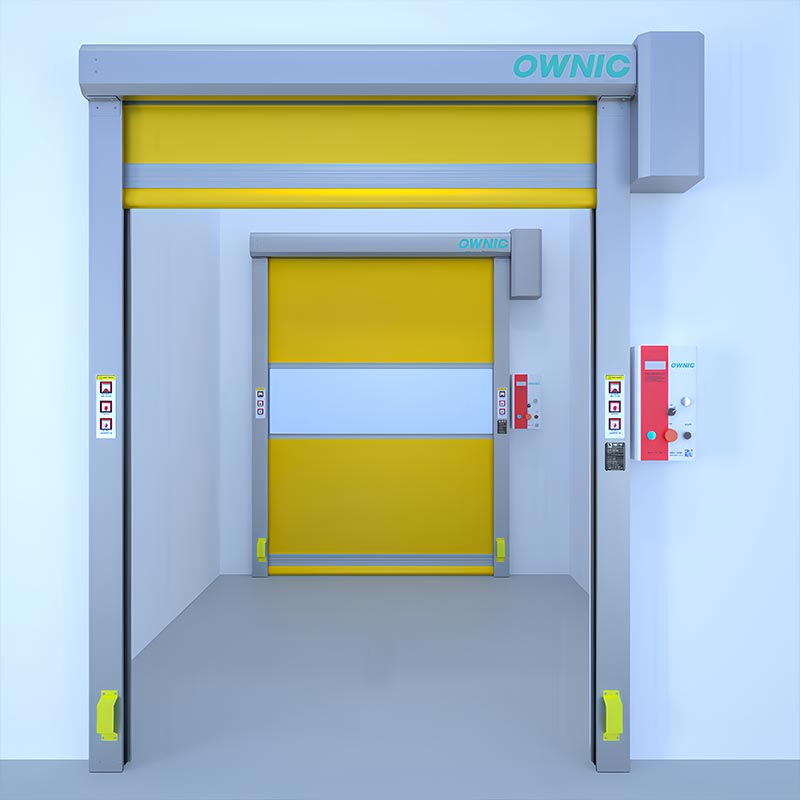
Industrial Doors (Factories, Warehouses, Production Workshops)
|
Safety Sensors
|
Anti-Pinch and Anti-Collision Protection
|
|
Motion Sensors
|
Automatically detects objects or vehicles and opens the door rapidly
|
|
Function Selector
|
Switchable modes: Automatic, Always Open, and Always Closed
|
|
Non-contact Sensors (Optional)
|
Ideal for locations where manual operation is inconvenient, or where dust and contamination control are required
|
|
Control System Interface
|
Integrates with production or safety systems
|
FAQ
Q: Are there specific requirements for the sensor installation location?
A: The sensor must cover the entire range of the door's movement. We recommend installing it on the top or side of the door frame to ensure it can effectively detect activity in the areas beneath the door, within the door opening, and immediately in front of the doorway.
Q: Why is a function selector necessary?
A: It allows for the flexible switching of door operating modes to meet the diverse needs of various environments—such as operating rooms, office buildings, and shopping malls—thereby balancing both efficiency and safety.
Q: What is the difference between a motion sensor and a contactless sensor?
A: Motion Sensor: Detects the general movement of people or objects to trigger the opening or closing of the door.
Contactless Sensor: Specifically responds to hand gestures or specific actions, allowing for door operation without physical contact; these are commonly used in environments with strict hygiene requirements.
Q: Can the LED indicator light be synchronized with the door's operation?
A: Yes. The LED light is integrated with the door control system, so its status changes in real-time to reflect whether the door is currently open or locked.
Q: Do automatic door accessories require frequent maintenance?
A: No, they do not; however, we recommend conducting an inspection every 6 to 12 months. This inspection should cover the sensitivity of the sensors, the status of the function selector, and the proper functioning of the LED indicator lights. OWNIC provides comprehensive installation and maintenance guidelines included with every delivery.